

Register for open studios 2026
Registration is open until 26th February 2026.
We print and distribute around 13,000 copies of our directory across the South West and beyond. We find that visitors make specific visits to Stroud for our Open Studios weekends, keep the directories for years, and contact artists long after the festival.
So it’s a great addition to an art practice, offering a wealth of publicity, plus opportunities to collaborate and connect with other artists, galleries, groups and organisations.
We've worked with artists for nearly 30 years, developed a long lasting directory design, and supporting artists is at the very centre of the festival.
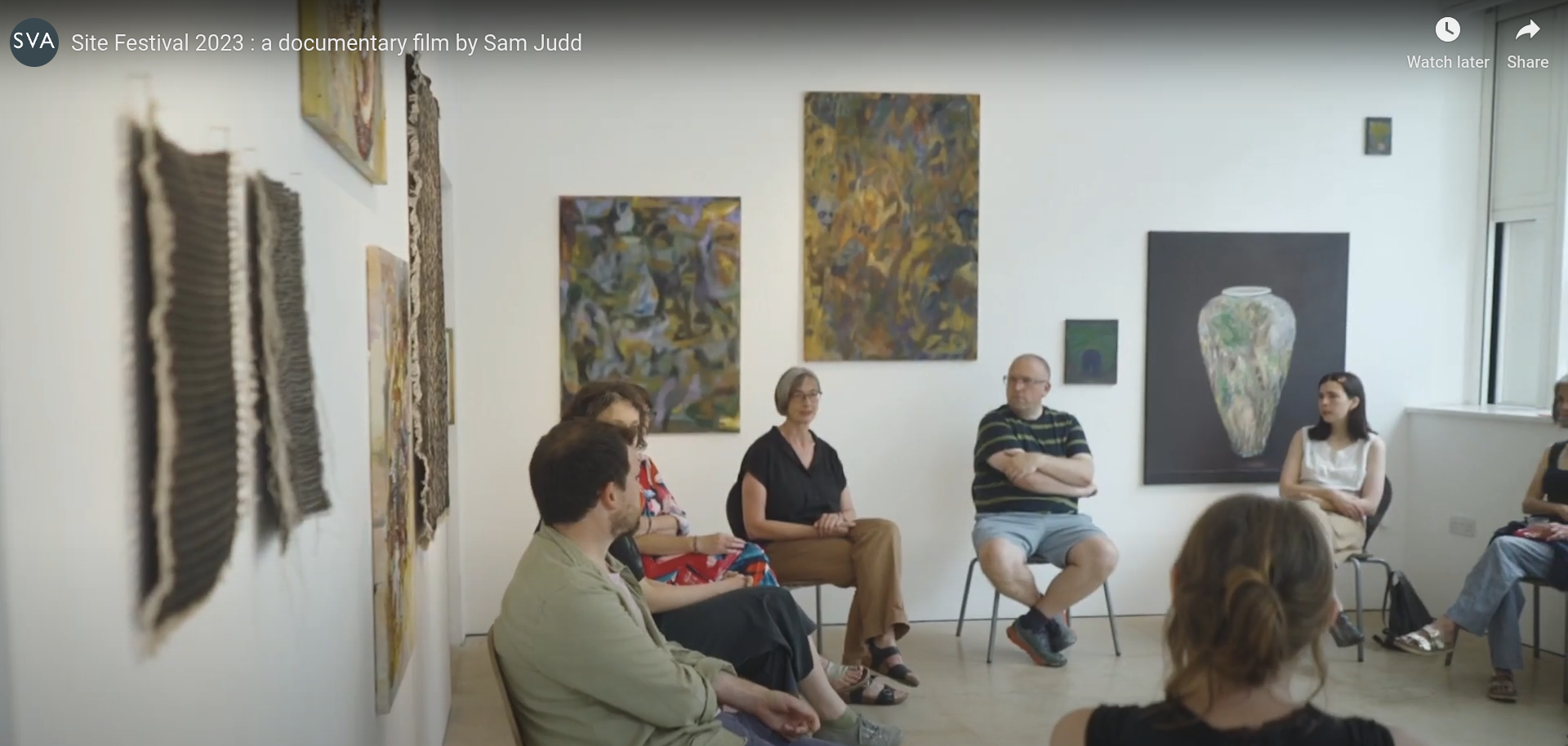
New for 2026
We’ve listened to feedback from our Open Studios socials and surveys and made some changes:
We’re asking each studio for a ///what3words link so we know your studio location - don’t worry, there’s help with this below.
We’re asking for your Phone Number twice on the form. The first is mandatory but for admin purposes only - it will not be public. Having your phone number in the directory is recommended, but now optional.
Opening Times for Open Studios are still 11am-5pm. Artists can extend their opening times, but all artists must be available to open their studios between 11am-5pm 13th-14th and 20-21 June 2026.
If you have access needs, and need a different format for this information and/or the registration form, please email kazz@sva.org.uk.

Step 1: Prepare your Text
Take a look at the 2026 Open Studios registration form to see what’s needed.
You will need to prepare:
description of your art practice (up to 165 characters)
directions to your studio (up to 85 characters)
///what3words link for your studio (see Help info)
TIPS :
We recommend typing your text first in a Word document, Google Doc or similar. This is so you can use a ‘word count’ tool, then directly copy and paste the text into the form.
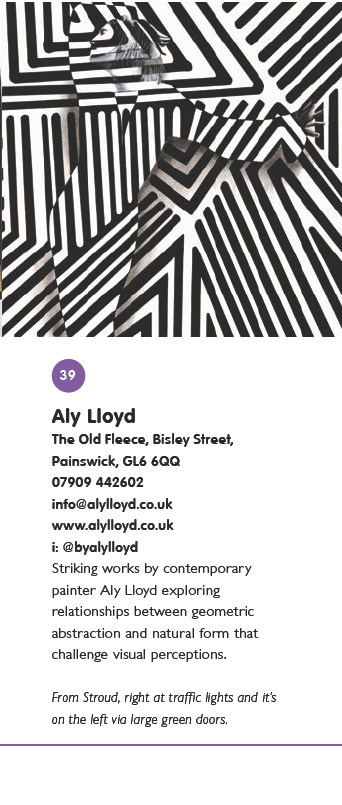
We also recommend looking at previous directories, to see how other artists have used their space, especially the 2025 directory.
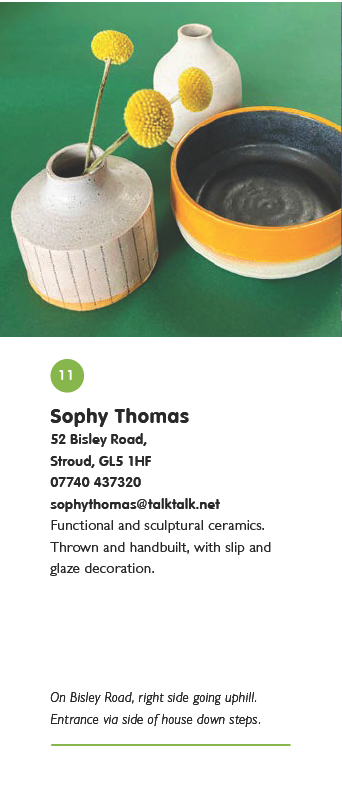
Step 2: Prepare your Images
Your images are the most important part of representing your artwork and practice. As artists and designers ourselves, we take a lot of care to ensure that the directory displays your artwork to the highest quality, which is why we have these guidelines.
TIP : If you’re unsure about your images you can ask fellow artists for advice, or email kazz@sva.org.uk.
Your 3 images :
Have to be either .jpg or .png files.
Shouldn’t have important detail at the very edge - this is because the design takes the images to the "bleed edge" for printing. See this helpful PDF for information.
Cropped as a square to fit our format.
Need to be different to each other : Once your images are submitted in your registration our designers choose what works best for the layout and next to other artworks, so having three choices from different images is essential.
Really have to be named so make sure your name is in each filename you upload to the form. This is so we can identify who has provided each image, and it’s standard practice to make sure your artwork has your name on it.
Need to be high quality, and between 1mb and 10mb. The form will not accept files over 10mb each, so please take note and have a look at the FAQ below.
Need to represent your practice : You should include images that represent your practice and that you’d be happy to have included in the directory for Open Studios in June. Even though we understand the challenges with preparing artwork months in advance, we cannot change your images later in the process.
key info
Registration is open until 26th February 2026.
There is one form for all Open Studios artists, with a variety of discounts.
Sharing a studio
There are lower rates for artists sharing a studio. Groups of 2-4 artists get a 10% discount each, and groups of 5 or more artists get a 20% discount each.
If you’re not sure how many artists are going to be in your group you will need to pay the full fee and then be refunded the difference. So, for example, if you're based at a larger studio such as Victoria Works or Three Storeys, but you're unsure if it will be 2-4 artists, or 5 or more artists, you should pay the higher fee with the form, and be refunded the difference when you confirm how many will be in your group. We aim to refund you within 30 working days of you informing us.
If you’re based at SVA, the fee is included in your rent, so you will have been sent a discount code for the form.
Need a studio?
If you’re finding a venue and don’t have your ducks in a row yet, you can still register for Open Studios and insert 'TBA' in the address section.
We’re happy to help where we can however it can sometimes take several weeks to work the details out. Locations need to be finalised by the beginning of March in order for the directory to be designed, so the sooner you contact us, the quicker we can help you find a studio before the routes are set.
So if you’d like help finding a location for Open Studios, contact us as soon as possible.
Discounts
If you have a studio in Cam, Dursley, Wotton-under-Edge or in between get in touch for a 20% discount off registration fees. If you’re based at SVA, the fee is included in your rent, so you will have been sent a discount code for the form.
Young Artists are classed as artists aged 30 and under, and you complete the same registration form, but with a discount code. You will need to send us a bit of information about yourself and then we will send you the Young Artist discount code. Please email kazz@sva.org.uk with :
your date of birth
if you have recently graduated, give us a short description of your course (what you studied, where and when)
or other relevant experience to your practice, plus any links to your work.
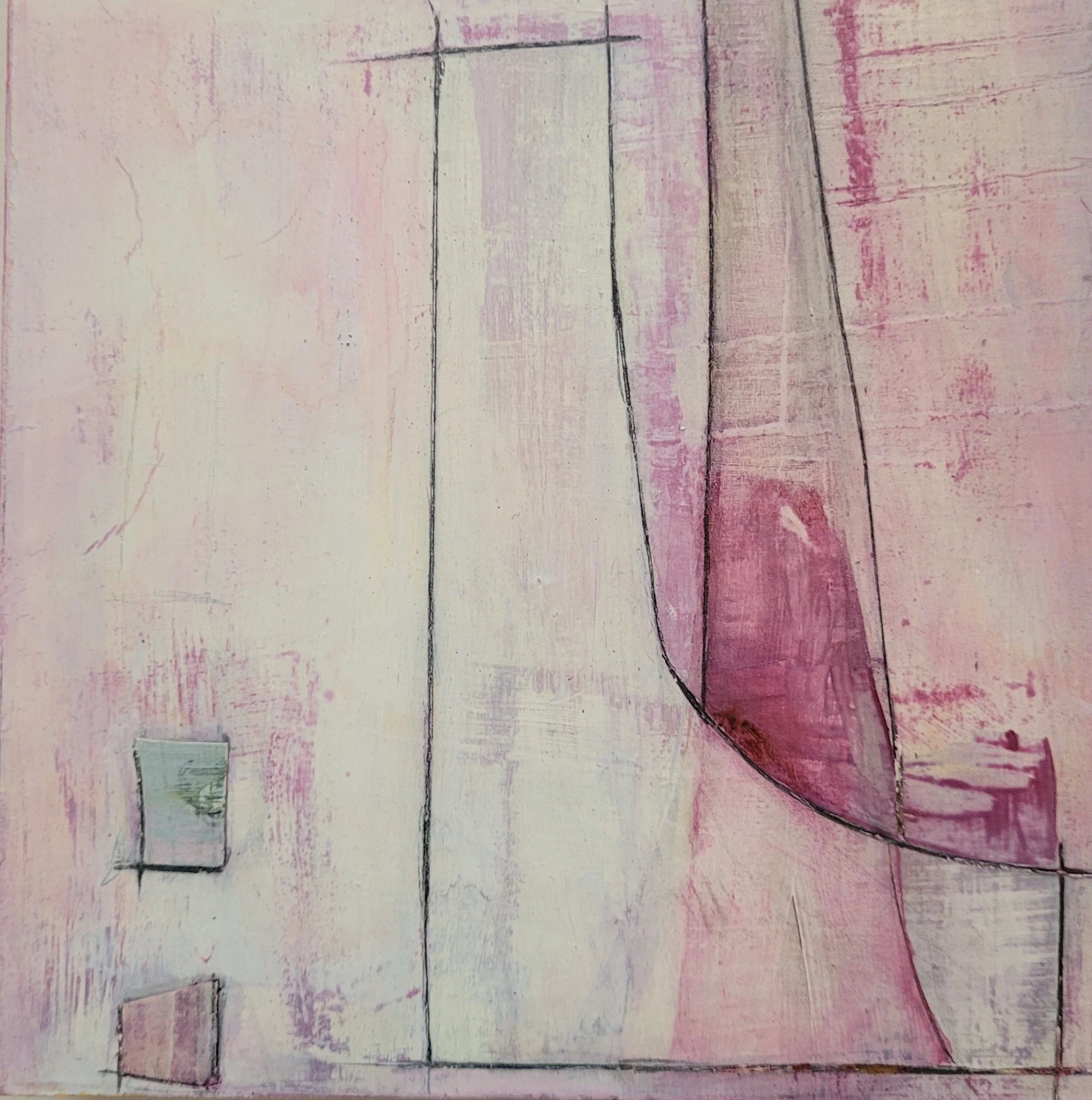
Maggie Howe
///what3words
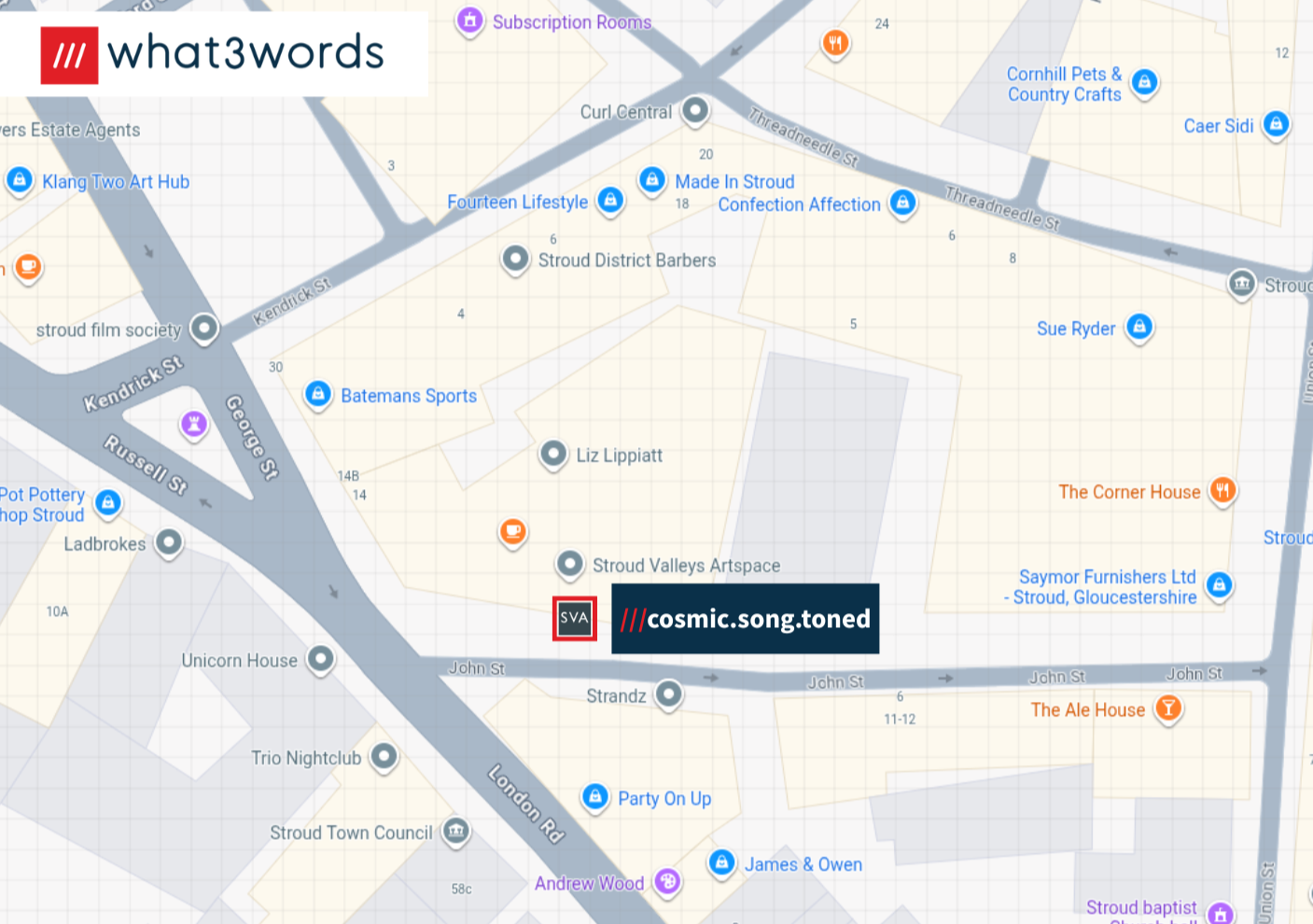
We are asking artists for a ///what3words link so we know your studio location.
What is it? what3words cleverly divided the entire world into 3x3 meter squares, with each square assigned a unique three-word combination. Using your unique ///what3words link we will know your precise location, and it will help visitors. See the SVA what3words for an example.
Here are some quick instructions:
Click in the address search bar, type your address and select the address that appears.
Click on the square that is closest to your studio entrance and three words should appear.
Click the ‘copy’ button in the address bar which will copy the text, and you can paste this directly into your form.
Or you can click here for a Help Guide to what3words.
quick FAQ
“Why do I lose 3mm of my image?”
The design takes all images to the "bleed edge" for printing, so we ask for images that don't have important detail/features at the very edge of the images.
So if your image ends up on the side edge of a page, then it may get cropped on one side by the printing.
All images have an edge along the top of each page, so please be aware that you will lose 3mm off the top of the image. In printing terms it’s called the “bleed edge”.
“how do i save my registration form?”
If you can’t do the form in one sitting, you can save the session and come back to it another day.
Once your email address is on the form head to the bottom of the form and find the ‘Save’ button (next to Submit).
You can either create a Jotform account (with Google, Facebook, or with an email address) or find the smallest writing at the bottom of the message that says “Skip Create an Account”
Once you’ve clicked that option, it should say “Your form has been saved as a draft” and you can enter your email address to send it to yourself.
Check your emails from Jotform (especially check the spam folder because it might go in there), and you can continue the form another time. Hooray!
“Why do I need to rename my image files?”
Per month we receive around 300-2000+ images from artists at SVA, and the most reliable way for us to identify the artist is from the image filename.
So if we get an image called “IMG.2057” we won’t know that your image belongs to you!
Plus, it’s standard practice to make sure your artwork has your name on it.
“How do i make my images the right size?”
If you’re getting an error message it might be because your image file isn’t between 1mb and 10mb.
If you are not sure how to resize your images there are a variety of websites that offer a resize tool.
We found this one to be easier to use, and it’s free to use : www.canva.com/photo-editor
“i have more questions”
Feel free to visit the FAQ page, or email kazz@sva.org.uk with questions.

2025 Pecha Kucha : Nikoletta Monyok
Register for Open studios
Registration is open until 26th February 2026.